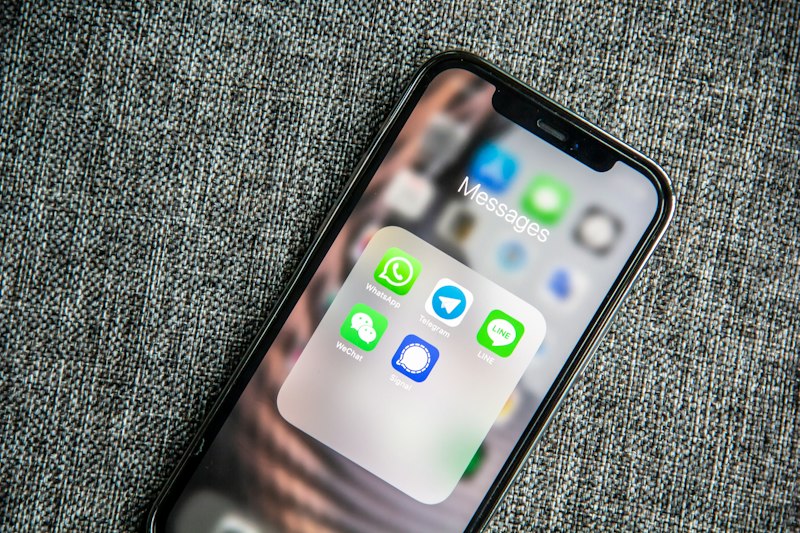
How to Set Up WhatsApp for Maximum Privacy
A step-by-step guide to configuring WhatsApp's privacy settings to protect your personal data and conversations.
How to Set Up WhatsApp for Maximum Privacy
WhatsApp is used by over 2 billion people worldwide, but many users don't realize how much control they have over their privacy settings. This comprehensive guide walks you through every setting you should configure to protect your personal information.
Step 1: Review Your Privacy Settings
Open WhatsApp and navigate to Settings > Privacy. Here you'll find the most important privacy controls.
Last Seen and Online Status
Set "Last Seen" to "My Contacts" or "Nobody" to prevent strangers from tracking when you're active. Similarly, set "Who can see when I'm online" to "Same as Last Seen."
Profile Photo
Set your profile photo visibility to "My Contacts" to prevent anyone with your number from seeing your photo.
Step 2: Enable Two-Step Verification
Go to Settings > Account > Two-step verification and enable it. This adds an extra layer of security by requiring a PIN when registering your phone number with WhatsApp again.
Step 3: Manage Read Receipts
Turning off read receipts (the blue ticks) prevents others from knowing when you've read their messages. Go to Settings > Privacy > Read Receipts and toggle it off. Note that this also means you won't see read receipts for others.
Step 4: Review App Permissions
Regularly audit which permissions WhatsApp has on your device. Go to your phone's Settings > Apps > WhatsApp > Permissions and revoke any permissions you don't need, such as access to your microphone when not in a call.
Conclusion
Taking 15 minutes to configure these settings can significantly improve your privacy on WhatsApp. We recommend reviewing these settings every few months as WhatsApp regularly updates its privacy features.